JavaScript第 72 期
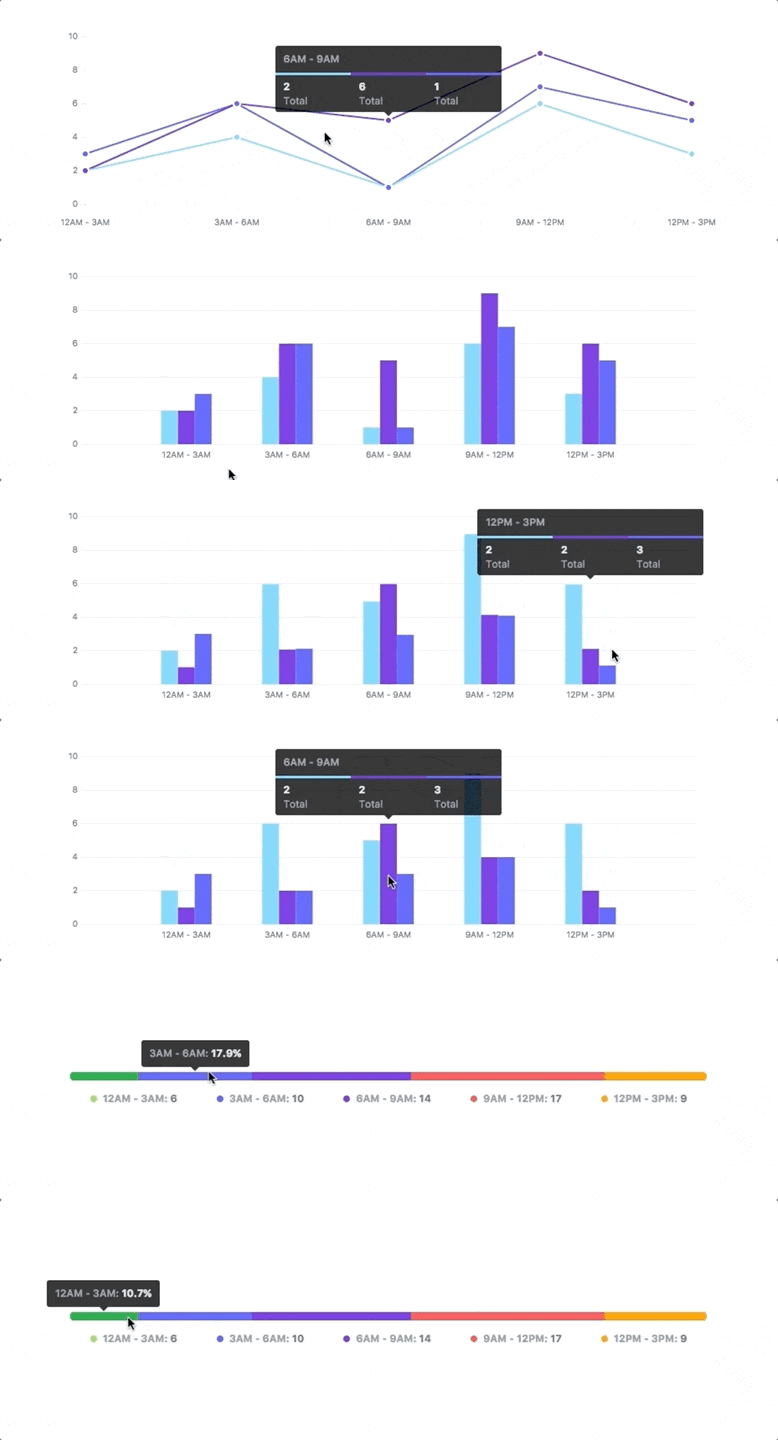
简单、零依赖、响应式的 SVG 图表库```javascript const data = {labels: ["12am-3am", "3am-6pm", "6am-9am", "9am-12am","12pm-3pm", "3pm-6pm", "6pm-9pm", "9am-12am"],datasets: [{name: "Some Data", chartType: "bar",values: [25, 40, 30, 35, 8, 52, 17, -4]},...]}const chart = new frappe.Chart("#chart",{ // or a DOM element,// new Chart() in case of ES6 module with above usage title: "My Awesome Chart",data: data,type: 'axis-mixed', // or 'bar', 'line', 'scatter', 'pie', 'percentage'height: 250,colors: ['#7cd6fd', '#743ee2']})```
JavaScript第 72 期
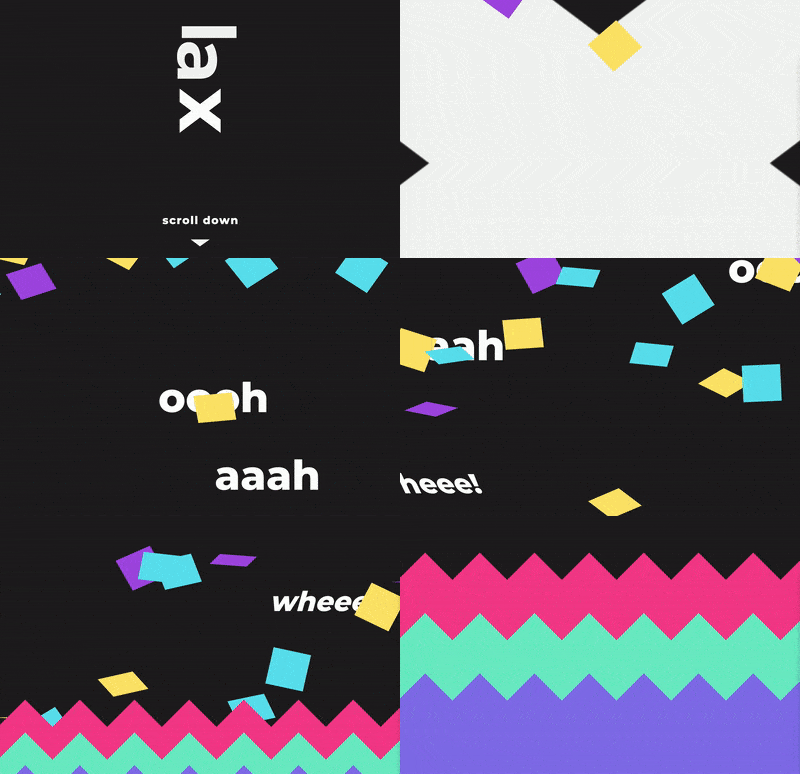
用于滚动时创建平滑和好看动画的库。简单轻量仅 4KB 大小,但功能齐全且灵活```html window.onload = function () {lax.init()// Add a driver that we use to control our animations lax.addDriver('scrollY', function () {return window.scrollY})// Add animation bindings to elements lax.addElements('.selector', {scrollY: {translateX: [["elInY", "elCenterY", "elOutY"],[0, 'screenWidth/2', 'screenWidth'],]}})}Hello```
暂无截图
JavaScript第 72 期
极小的键盘事件监听库```javascript import tinykeys from "tinykeys"tinykeys(window, {"Shift+D": () => {alert("The 'Shift' and 'd' keys were pressed at the same time")},"y e e t": () => {alert("The keys 'y', 'e', 'e', and 't' were pressed in order")},"$mod+KeyD": () => {alert("Either 'Control+d' or 'Meta+d' were pressed")},})```